










Measuring Cobb Angles with a Digital Workspace
A practical look at importing an X-ray, placing Cobb landmarks, reviewing the angle, and documenting the result on iPhone.
Read StoryMeasure Cobb angles from spinal X-rays in a quiet, local workflow built for clinical review.
Manual landmarks, assisted candidates, SVA marking, and exportable annotated reports.
Free to download for iPhone on iOS 17.0 or later.

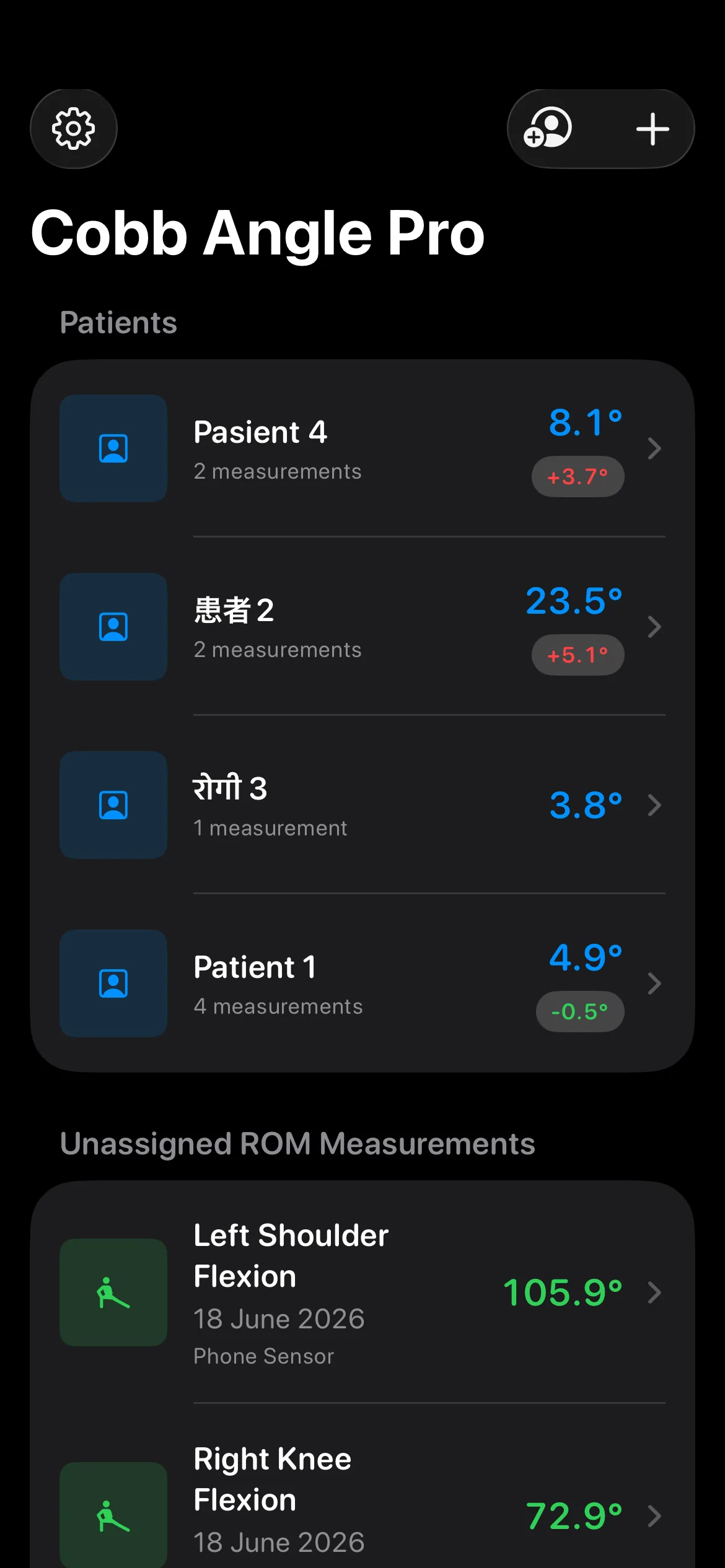
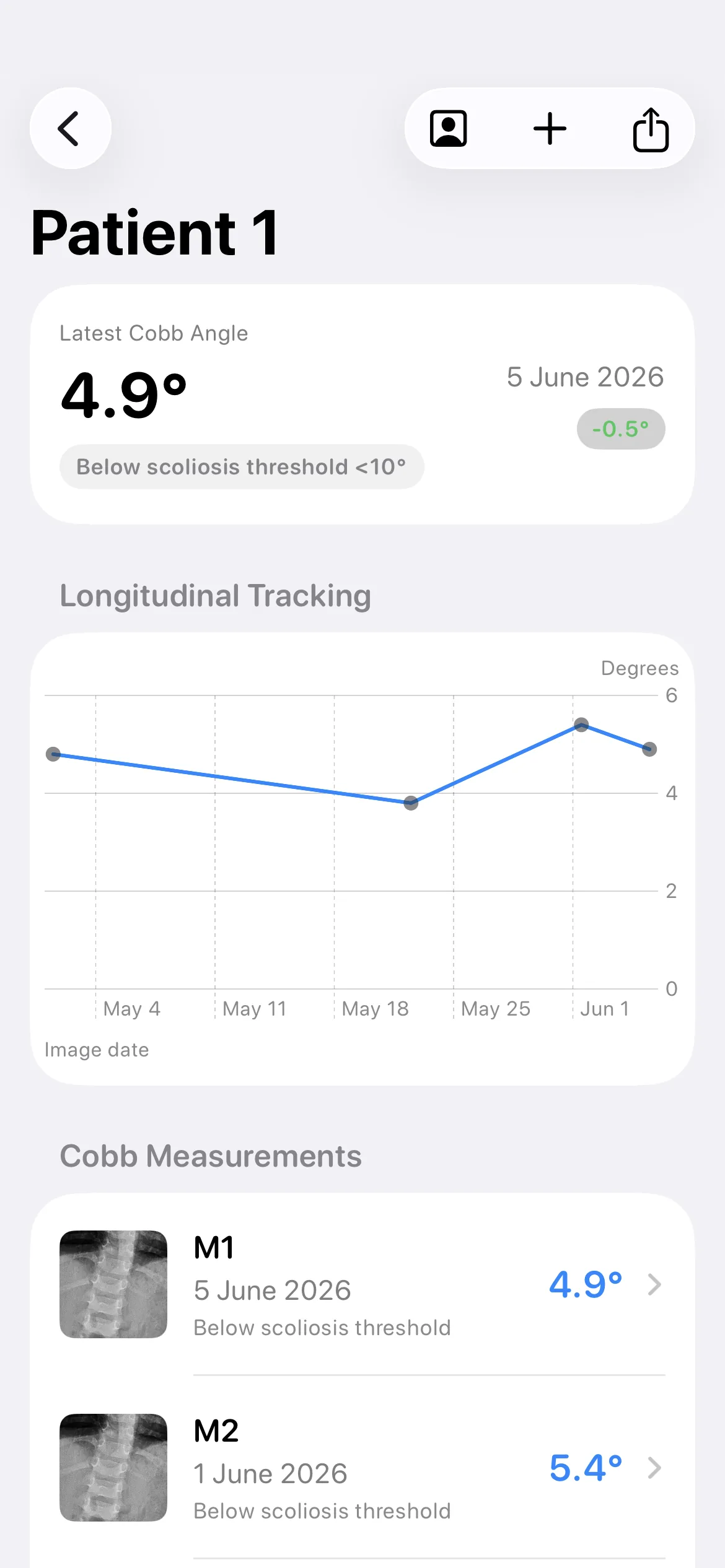
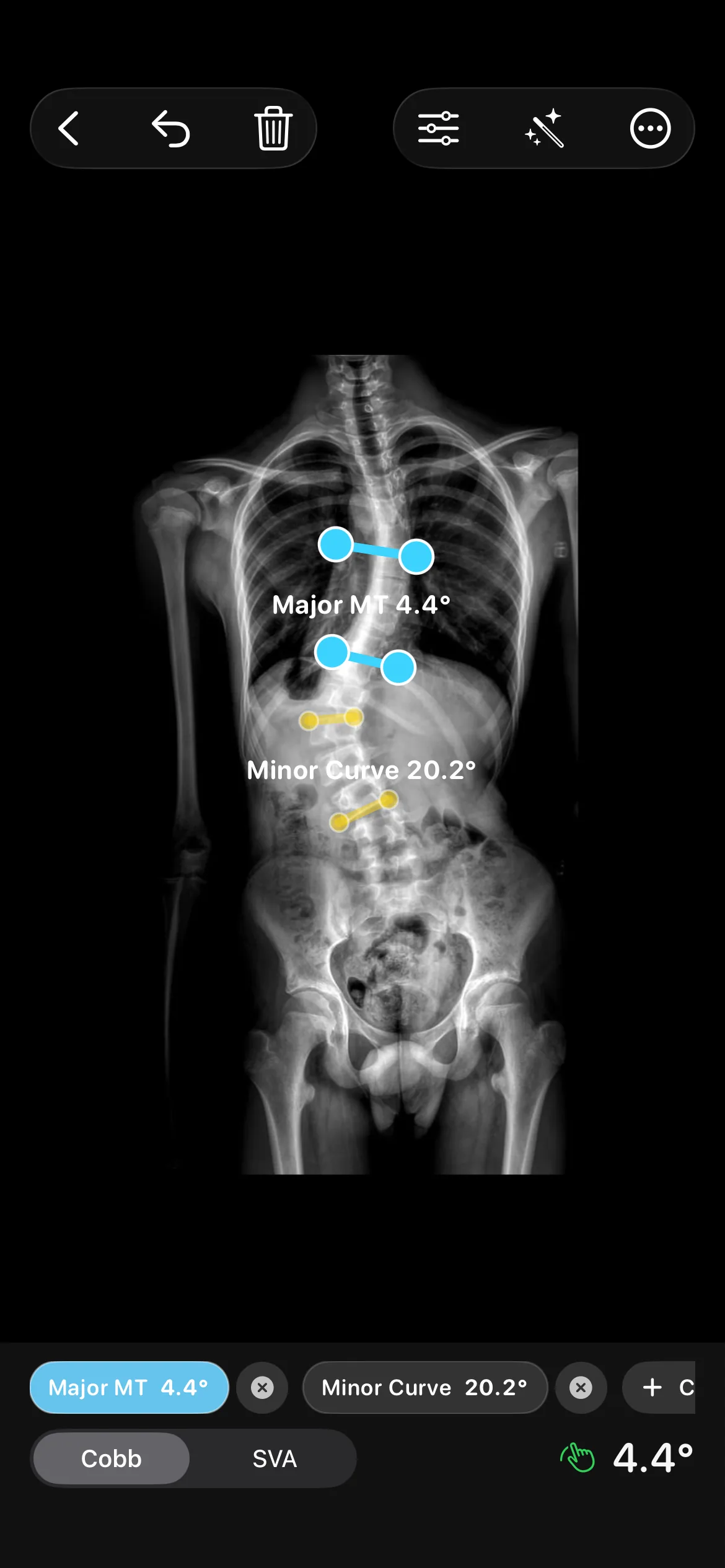
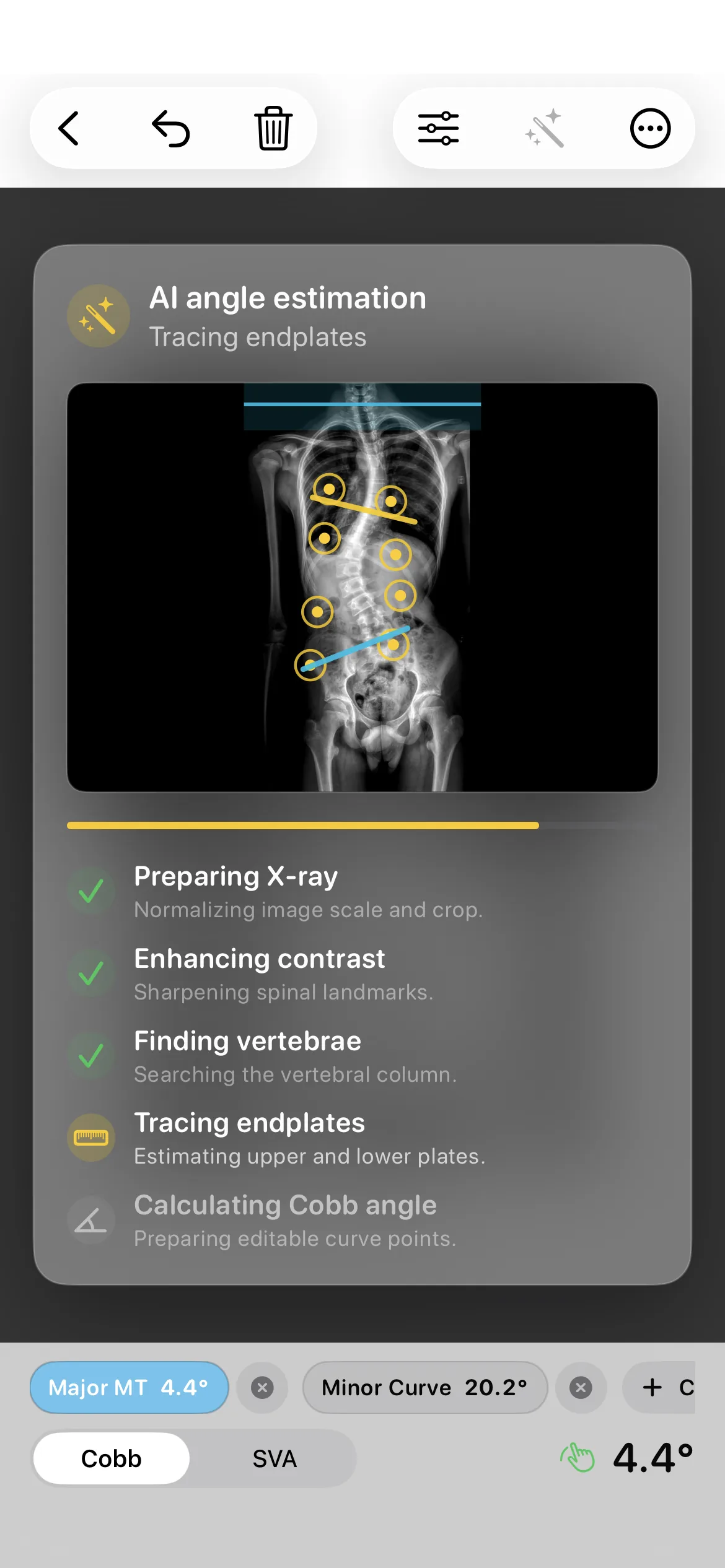
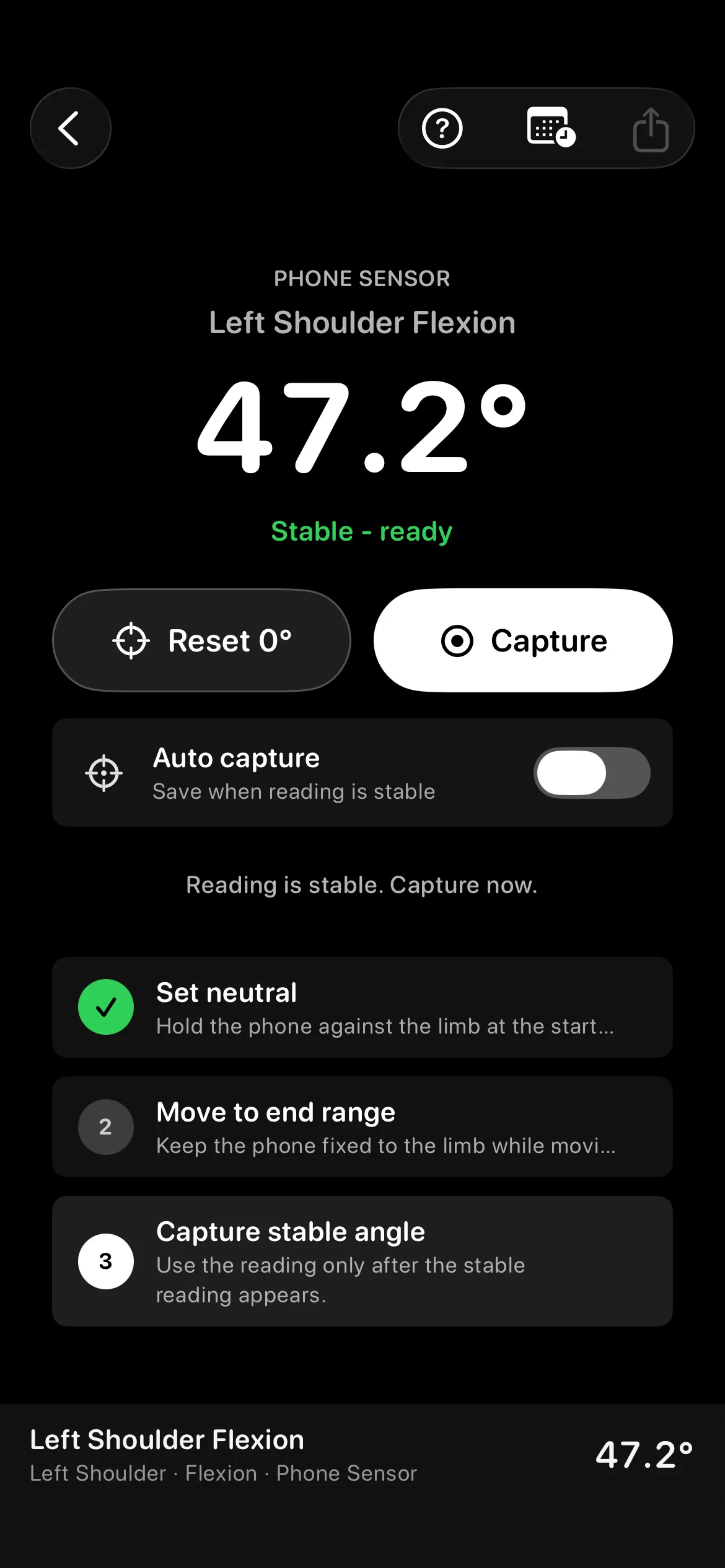
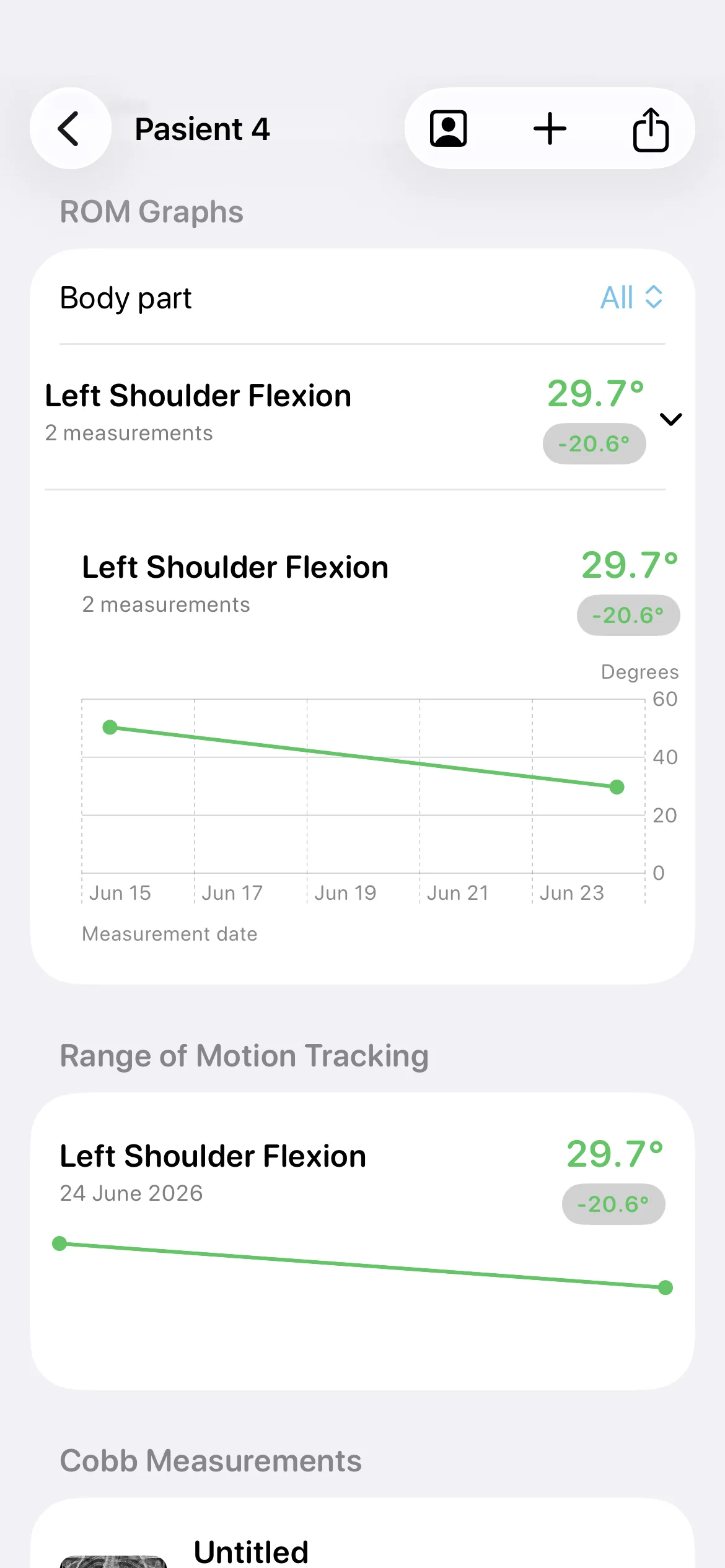
A focused iPhone workspace for spine teams who need measurements, export notes, and local case history. Each Cobb angle is calculated from 4 landmark points and shown to 0.1°.
Designed around the clinical boundary. Measurement support, not diagnostic authority. 4 steps take a case from X-ray import to annotated export.

Add a spinal X-ray from Photos and start an anonymized local case.

Place 4 Cobb points manually or review an auto-detected candidate.
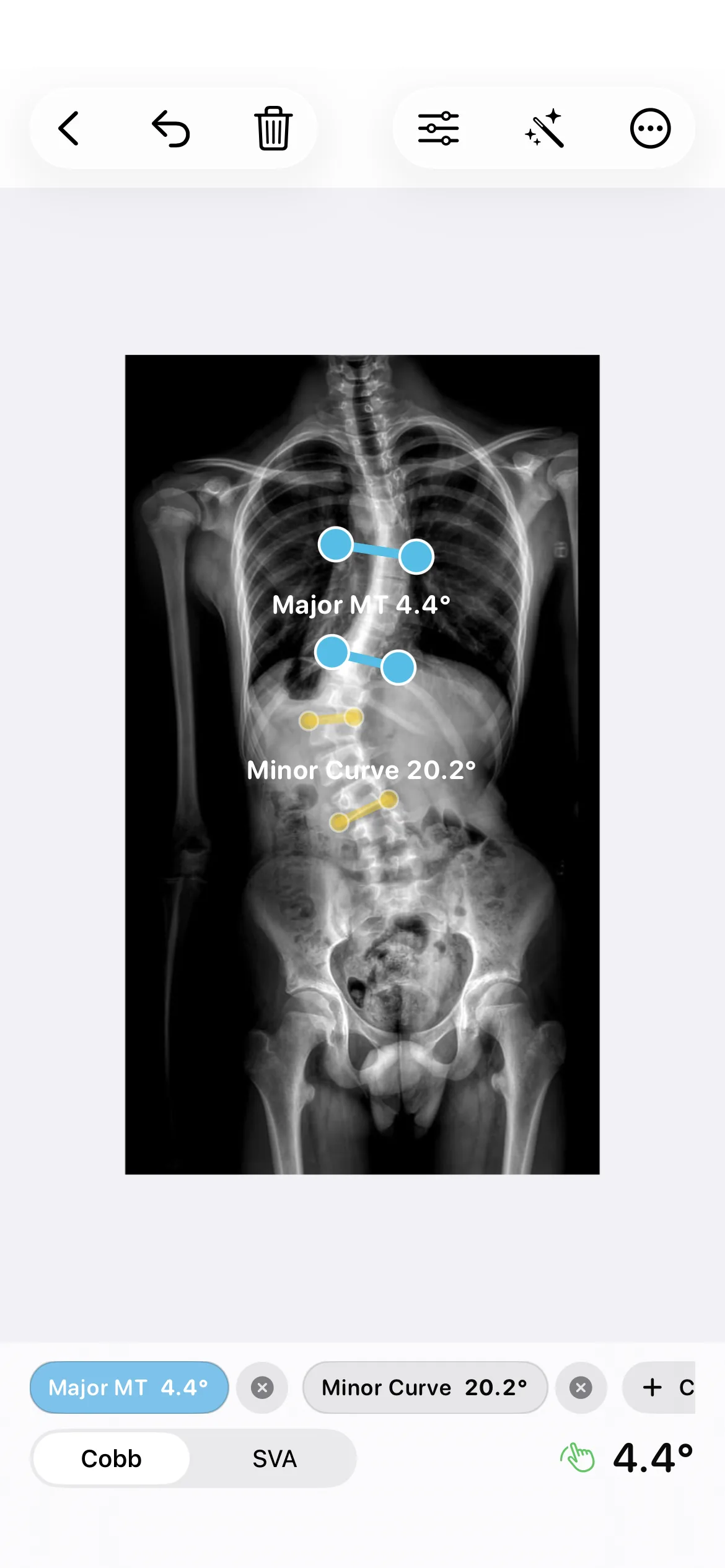

Adjust the image, refine landmarks, and keep clinical judgment in front.

Generate a clean JPEG or PDF with case metadata and a measurement-aid notice.
A focused workspace for 2 measurements: coronal Cobb angle review and sagittal vertical axis marking.
Keep imported X-rays, thumbnails, dates, and measurement rows in one local workflow. Saved angle rows show each measurement to 0.1°.
Assisted detection is framed as a candidate to review, not an autonomous diagnosis. Each candidate shows its Cobb angle to 0.1° so you can check it before saving.
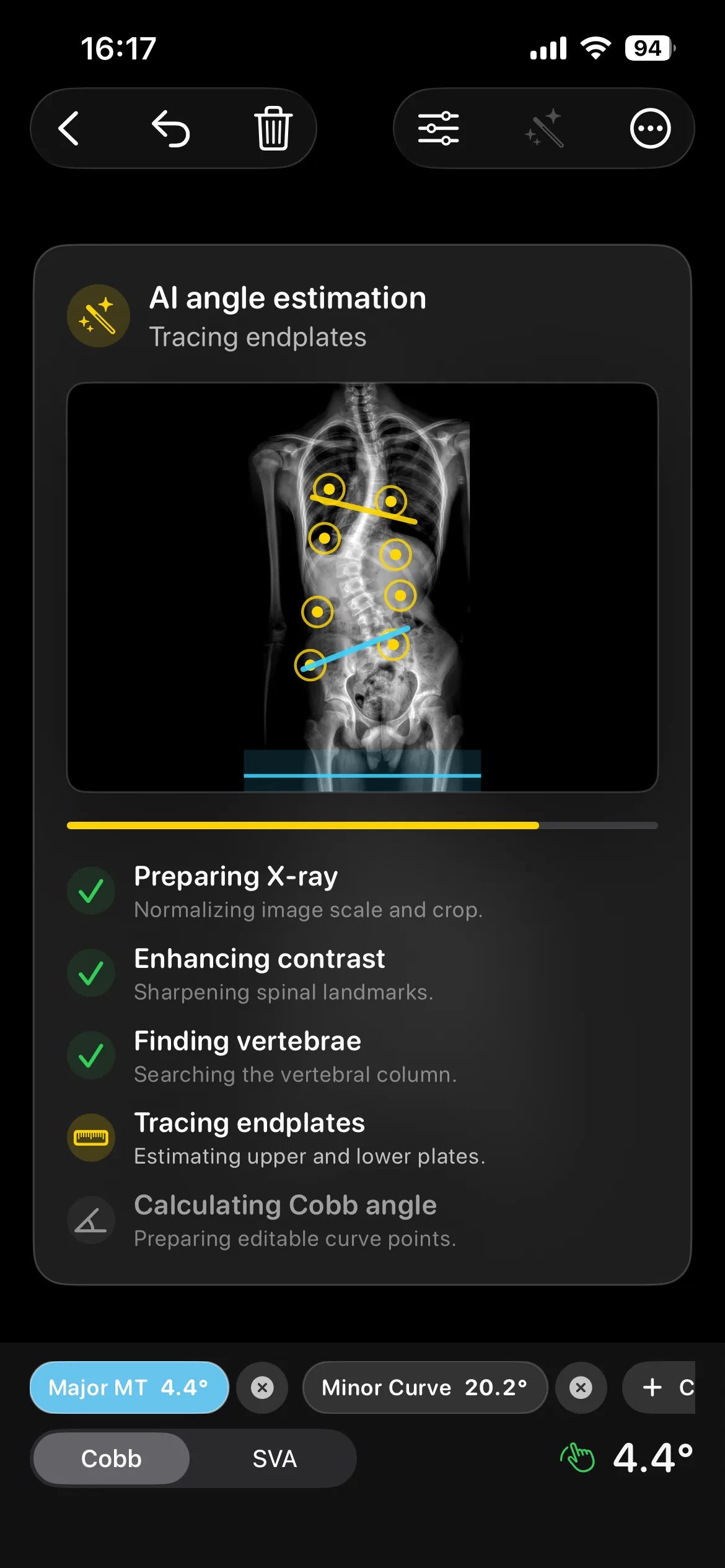
Measurement aid workflows stay explicit, local, and easy to export for review records. Exports come in 2 formats: JPEG and PDF.

Imported X-rays and annotations remain on device unless you choose to share them.

The app supports measurement workflows and does not replace clinical judgment.

Annotated images and case metadata are ready for documentation and review.


Cobb Angle Pro helps clinicians measure Cobb angles on iPhone with local X-ray review, assisted landmark checks, SVA support, and PDF exports.
The app avoids autonomous diagnosis claims and treats assisted output as something clinicians inspect. Every final measurement remains user-reviewed before it is saved or shared.
Choose one of 3 measurement paths that fits the case in front of you.
Place superior and inferior end-vertebra landmarks, then verify the live angle readout before saving.
Use auto-detected landmarks as a candidate input, then refine placement with manual control.
Mark sagittal alignment context and export an annotated JPEG or PDF with case metadata.
18 movement-by-movement protocols for recording joint and spine range of motion with a digital inclinometer workflow; 4 of them have a guided protocol in the app.
3 clinical measurement notes and workflow context from the Cobb Angle Pro team.
A practical look at importing an X-ray, placing Cobb landmarks, reviewing the angle, and documenting the result on iPhone.
Read StoryHow to inspect, correct, and document an assisted Cobb angle candidate without treating it as a final clinical decision.
Read Story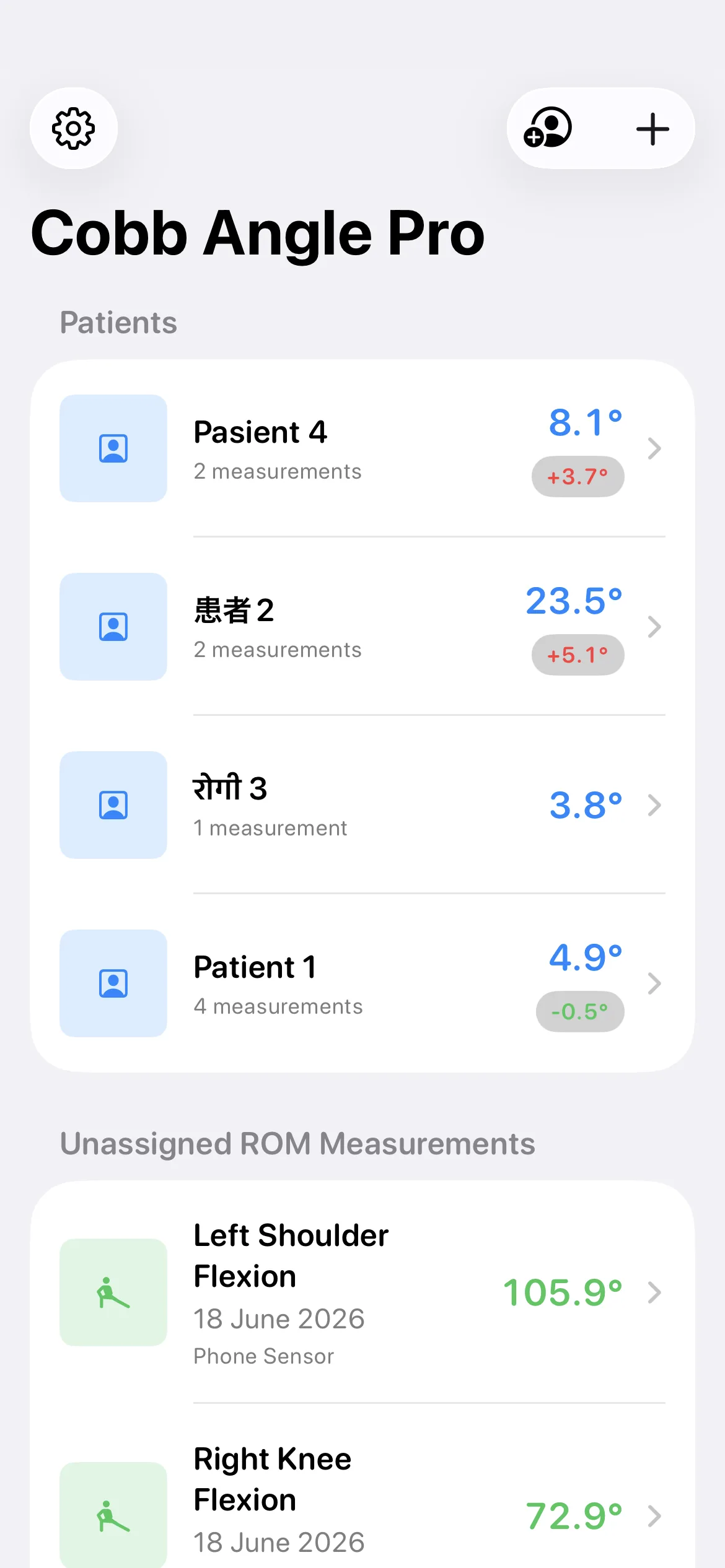
How cases, images, and reviewed measurements stay organized on iPhone, with deliberate JPEG or PDF sharing.
Read StoryNo. Cobb Angle Pro is a measurement aid. It assists with X-ray measurement workflows but does not diagnose disease or replace clinician judgment.
Imported X-rays, annotations, and patient folders are stored locally on the device unless you choose to share or back them up.
Yes. Pro exports come in 2 formats, JPEG and PDF, and include the annotated image, case metadata, and a clinical-use reminder for review documentation.
No. Assisted detection is presented as a candidate measurement to review and adjust before saving or exporting.
Download the app and keep spinal measurement review in a local, exportable workflow. Free on the App Store for iOS 17.0 or later.
Manual landmarks, assisted review, SVA marking, and annotated exports in 1 iPhone app.