

Local X-ray Review and Measurement Export




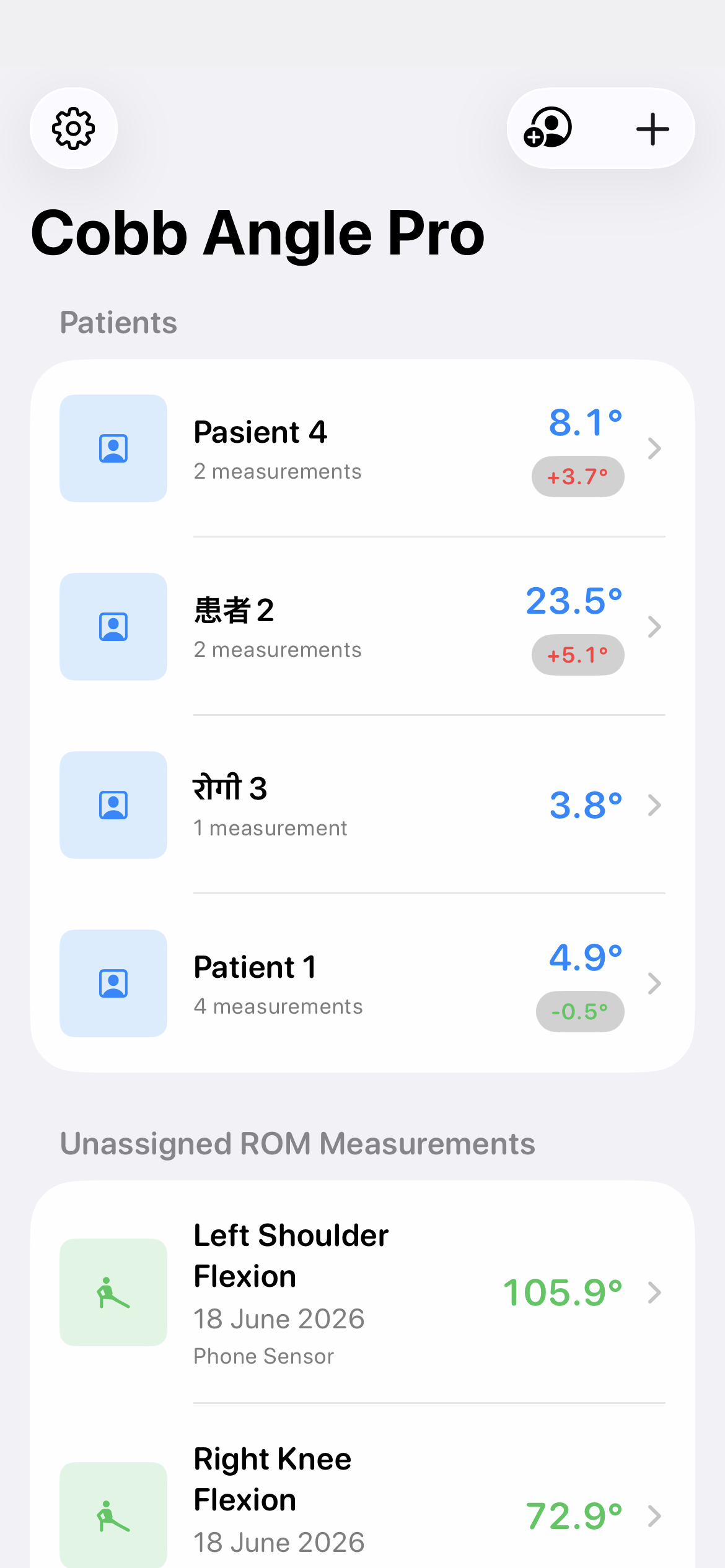
Cobb Angle Pro keeps imported X-rays, patient folders, and measurement history in the app's local device storage. This makes it possible to return to a case and review its saved images and values without uploading the X-ray to a product server. Sharing or backing up data remains a separate action you choose.
Organize the case before measuring
- Import the intended X-ray from Photos and place it in the appropriate local case.
- Open the image, review its orientation, and record a Cobb or SVA measurement using the relevant tool.
- Check the landmarks and case details before saving. Return to the case history when you need to inspect a prior entry.
Use only the identifying details needed for your own workflow. Local storage does not replace your organization's rules for device access, backups, or handling shared files.
Prepare an export deliberately
The app can render an annotated JPEG or PDF from a measurement. Inspect the preview for the intended image, measurement overlays, and case metadata before using the iOS share sheet. After a file leaves the app, the destination you choose controls its storage and access.
Know the boundary
An export supports documentation and discussion; it does not certify a diagnosis or the accuracy of the underlying image. Keep the source image and clinical context available for review. For more about local data and sharing, read the privacy policy.
See the Cobb measurement workflow for placement and verification steps.